


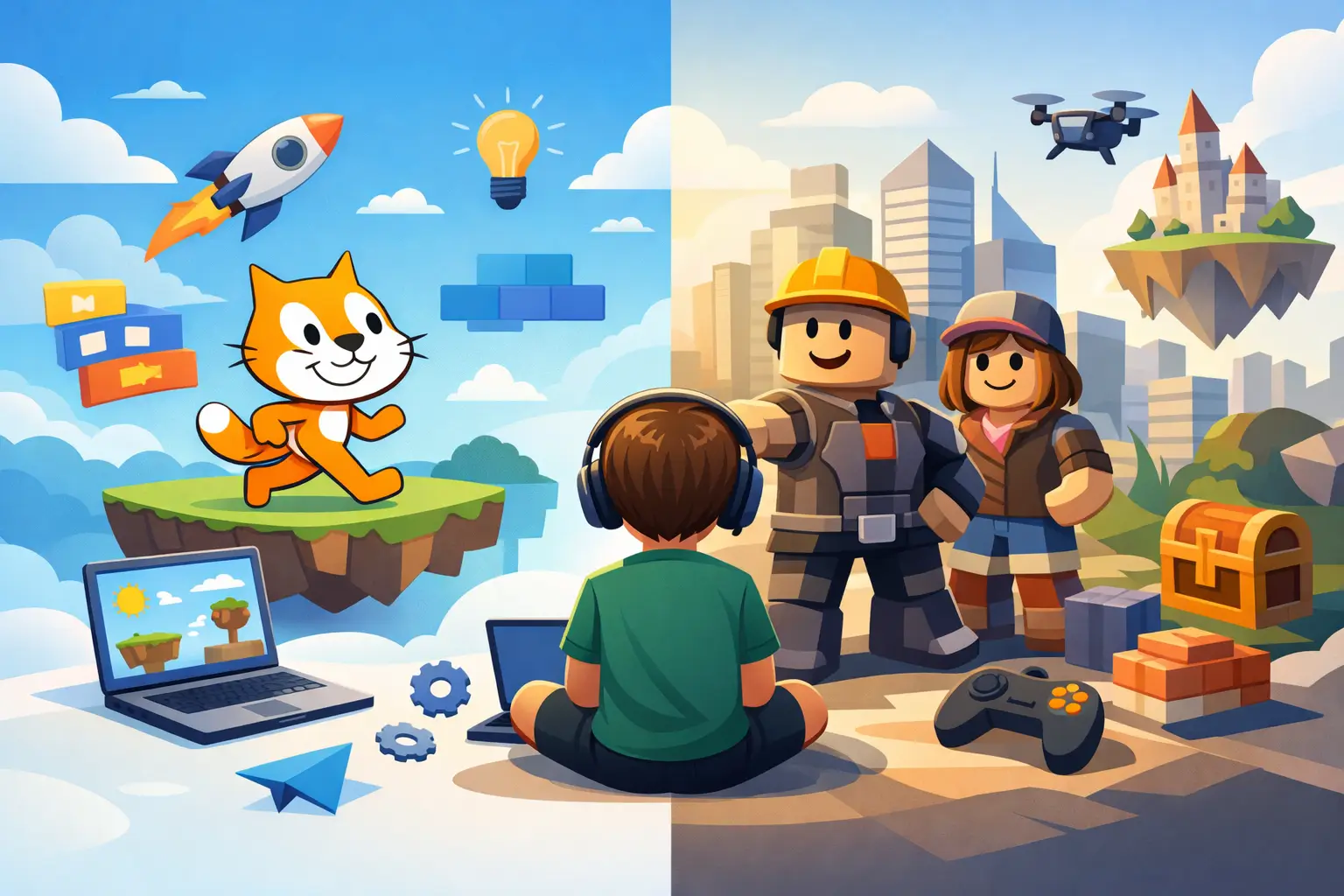
When a child says, “I want to make games,” most parents quickly run into the same question: Scratch чи Roblox для дитини? Both platforms look engaging, both are connected to creativity and coding, and both can turn screen time into something productive. But they do not teach the same way, and the right choice depends less on what is “more popular” and more on how your child learns, thinks, and stays motivated.
This is one of those decisions where a good start matters. If the first tool feels too hard, a child may decide programming is “not for me.” If it feels too simple, interest can fade just as fast. So the better question is not which platform is better overall, but which one gives your child visible progress, real confidence, and a reason to keep building.
Scratch чи Roblox для дитини – у чому головна різниця
Scratch is usually the easier entry point. It was designed specifically for children and beginners, so the interface is visual, the logic is clear, and coding happens through blocks that snap together. A child can build a simple animation, mini-game, or interactive story without getting stuck on syntax errors. That early success matters because it creates momentum.
Roblox, by contrast, often feels more exciting from the start because many children already know the platform as players. The idea of creating their own game inside a world they already love is a strong motivator. But Roblox development is typically more demanding. It introduces game logic in a more complex environment, and deeper work usually means learning Lua scripting. That makes it powerful, but not always ideal as a first step for every beginner.
So if we reduce it to one sentence, Scratch teaches programming foundations in the simplest possible way, while Roblox teaches game creation in a more advanced and highly motivating ecosystem.
When Scratch is the better choice
Scratch works especially well for younger children and complete beginners. If a child is around 6 to 10, needs structure, or gets frustrated quickly when something does not work, Scratch often leads to faster wins. Instead of wrestling with technical details, the student focuses on logic: sequences, events, loops, conditions, variables, and simple game mechanics.
That foundation is not “baby coding.” It is real computational thinking presented in a child-friendly format. A student learns how actions connect, how characters react, how scoring works, and how to debug a project step by step. These are the same habits that support future learning in Python, web development, game engines, and other programming environments.
Scratch is also a strong fit for creative children who like stories, drawing, animation, and experimenting. Not every future programmer starts by wanting to write code. Some start by wanting to make a character move, build a quest, or create an interactive cartoon. Scratch gives them that entry point without overwhelming them.
For parents, another advantage is transparency. It is easier to see what the child is learning because each project clearly shows the logic behind it. Progress becomes visible not just in theory, but in finished games, animations, and interactive projects.
When Roblox is the better choice
Roblox is often the right choice when motivation is already tied to game creation. If a child loves Roblox, talks about game worlds, and wants to build something others can play, that interest can become a strong educational advantage. Children often work harder when the outcome feels socially relevant and personally exciting.
Roblox is especially appealing for students who are a little older, usually around 10+, though readiness matters more than age alone. A focused 9-year-old may do very well, while an 11-year-old who needs simpler feedback may still benefit more from Scratch first. The key is whether the child can handle a more layered environment and stay patient through trial and error.
The learning payoff is substantial. Roblox development combines creativity, design thinking, logic, and coding in a way that feels very real to students. They are not just learning abstract concepts. They are building worlds, shaping gameplay, testing mechanics, and understanding how digital products come together. For many children, that makes the process feel serious in the best sense.
There is a trade-off, though. Roblox can be more demanding, and that means progress may look slower at first. A child may need more guidance to avoid getting lost in the tools or focusing only on decoration instead of actual mechanics. With the right structure, however, Roblox can channel gaming interest into disciplined creation.
Age matters, but learning style matters more
Parents often ask for a simple age rule, but it is rarely that simple. Scratch is commonly the better first step for children ages 6 to 10, while Roblox becomes more realistic from around 10 to 14 and beyond. Still, age alone does not decide readiness.
Some children need immediate visual feedback and a gentle introduction. They build confidence through small wins, and Scratch supports that beautifully. Others are willing to work through complexity because the goal excites them enough. Those students may thrive in Roblox even if the learning curve is steeper.
Attention span matters too. Scratch is excellent for children who need quick, visible results inside one lesson. Roblox can suit students who enjoy longer projects and are comfortable refining the same game over time. If your child tends to abandon tasks when results are not instant, starting with Scratch is often the safer choice.
What does your child actually learn?
This is where many comparisons become misleading. Parents sometimes assume Scratch is mostly play and Roblox is more “serious.” In practice, both can teach valuable skills, but they emphasize different outcomes.
Scratch builds core programming logic. Children learn how to break tasks into steps, manage sequences, use conditions, create repetition through loops, and understand cause and effect inside a program. They also practice problem-solving, debugging, and project thinking. These are essential beginner skills.
Roblox adds another layer. Along with logic and coding, it introduces ideas connected to game design, digital environments, user experience, and more complex systems. Depending on the course structure, a student can begin to understand scripting, object behavior, level design, and how interactive worlds are built for real players.
So if your main goal is a strong and confident introduction to coding, Scratch is often the better first investment. If your goal is to turn a strong gaming interest into more advanced creation, Roblox may be the better fit.
Scratch or Roblox for a child who loses interest quickly?
If motivation is fragile, the answer depends on why interest disappears. When a child gets bored because tasks feel too basic, Roblox may be more engaging. When a child gives up because tasks feel confusing or hard, Scratch is usually the better path.
This is why individualized teaching matters so much. A platform alone does not guarantee progress. The same child who struggles in a generic group format may succeed quickly with one-on-one guidance, clear milestones, and projects matched to their level. In a structured lesson, the teacher can keep the challenge high enough to stay interesting but manageable enough to avoid frustration.
That balance is often what turns curiosity into a real skill.
A practical way to decide between Scratch and Roblox
If your child is new to coding, under 10, or needs a smoother start, choose Scratch first. It builds confidence fast and creates the programming foundation many children need before moving on.
If your child is already deeply interested in Roblox, wants to create games rather than just play them, and can handle a more complex environment, Roblox is a strong option. It can turn entertainment into highly productive learning.
If you are still unsure, think in terms of sequence rather than competition. For many children, the best path is not Scratch versus Roblox forever. It is Scratch first, Roblox next. That progression often gives the best of both worlds: strong fundamentals and exciting application.
At IT FUTURE, this is exactly why personalized assessment matters. One child needs an encouraging first win. Another is ready for a deeper challenge. The right starting point should match not only age, but confidence, focus, and long-term goals.
What parents should look for beyond the platform
The stronger question is not just which tool your child uses, but how they are taught to use it. Real progress comes from project-based learning, consistent feedback, and lessons that move at the child’s pace. A good program should lead to finished projects, stronger logic, and visible growth over time.
Parents should also pay attention to what happens after the first excitement. Can the child keep building? Do they understand what they made? Are they developing transferable skills, not just copying steps? Those answers matter more than whether the platform is trendy.
A good first coding experience should leave a child thinking, “I can do this.” That feeling is powerful. It shapes whether technology remains passive entertainment or becomes a skill they carry into the future.
If you are choosing between Scratch and Roblox for your child, start with the option that makes progress most likely, not the one that sounds most impressive. The best platform is the one that helps your child create something real, enjoy the process, and ask for the next project.

