Як вибрати серед топ ІТ курсів для дітей
Найкращий курс залежить від віку, поточного досвіду та мотивації. Шестирічній дитині, яка любить малювати, потрібен зовсім інший перший крок, ніж підлітку, який хоче зрозуміти штучний інтелект або створити портфоліо для вступу до коледжу. Старт із курсу, який здається занадто складним, може перетворити захоплення на розчарування. Старт із занадто простого — може змусити дитину втратити інтерес так само швидко.
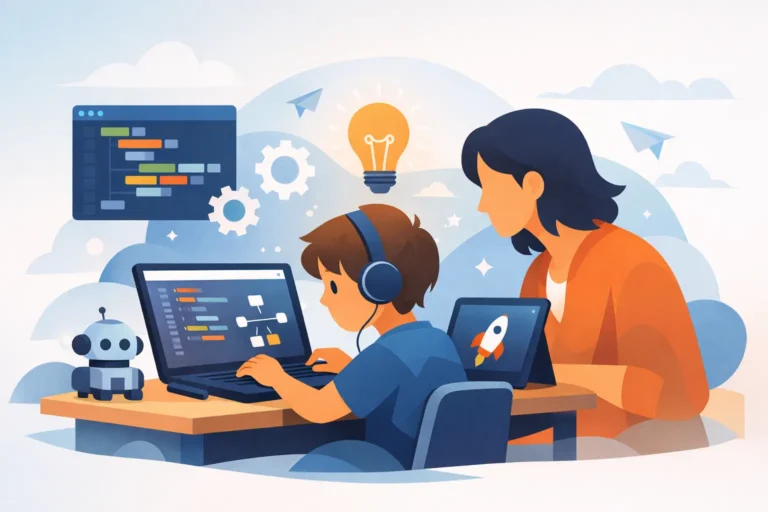
Шукайте програму з чітким навчальним треком, практичними завданнями та викладачем, який може адаптувати темп. Це особливо важливо в онлайн-навчанні. У груповому класі дитина може мовчати, коли чогось не розуміє, або чекати, поки інші наздоженуть. Індивідуальні уроки полегшують можливість ставити запитання, повертатися до складної теми та рухатися вперед, коли учень до цього готовий.
Найкращий вибір — це не завжди курс із найскладнішою назвою. Це курс, який поєднує технології з тим, що дитині вже подобається: іграми, історіями, візуальним мистецтвом, відео, роботами чи вирішенням головоломок.
Вік 6–8 років: вивчення технологій через гру та творчість
Для молодших дітей перша мета — це впевненість. Їм потрібно побачити, що комп’ютер створений не лише для перегляду контенту чи гри у чужі ігри. Це інструмент для втілення власних ідей у життя.
Scratch — чудовий старт, оскільки діти використовують візуальні блоки замість складного синтаксису коду. Вони можуть створювати анімовані історії, мініігри, персонажів, які рухаються та говорять, а також прості інтерактивні проєкти. Хоча це сприймається як гра, Scratch навчає основ програмування: послідовностей, умов, циклів, змінних та логіки.
Навчання на основі Minecraft також може бути розумним вибором для дітей, які вже люблять цю гру. Заняття з викладачем перетворюють звичний ігровий процес на творчі виклики. Дитина може спроєктувати споруду, спланувати віртуальний світ або використати ігрові механіки для розуміння алгоритмів та вирішення завдань. Головне — це структура. Вільна гра приносить задоволення, але курс повинен давати кожному уроку конкретну мету та готовий результат.
Комп’ютерна грамотність та цифрове малювання — цінні варіанти для дітей, які поки не цікавляться кодуванням. Вони вчаться працювати з файлами, упевнено користуватися базовими програмами, безпечно шукати інформацію та створювати візуальні проєкти. Ці навички формують самостійність і полегшують майбутнє навчання на курсах із програмування чи дизайну.
Вік 9–12 років: перетворення інтересів на перші цифрові проєкти
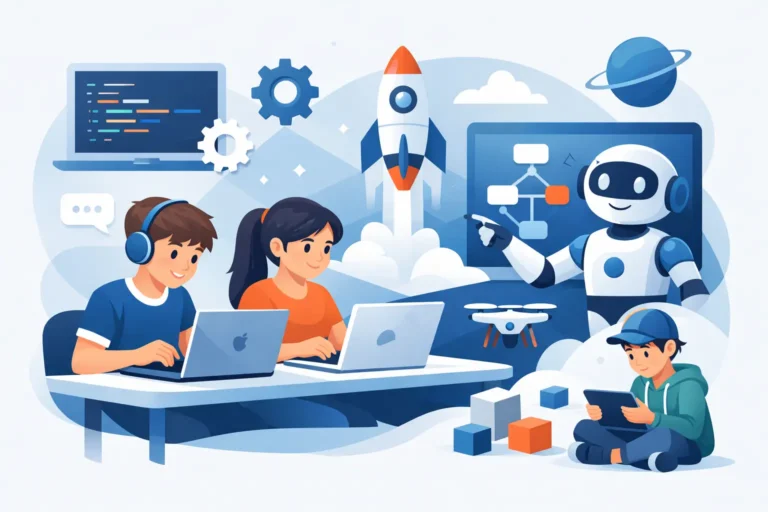
У цьому віці діти часто прагнуть швидших результатів. Вони хочуть створити щось таке, у що зможуть зіграти, чим зможуть поділитися або що зможуть покращити вже наступного тижня. Курси, пов’язані з Roblox, дизайном ігор, вебсайтами, цифровим мистецтвом та монтажем відео, є особливо захопливими, оскільки прогрес легко помітити.
Розробка в Roblox дає юним геймерам новий погляд. Замість того, щоб лише використовувати існуючу платформу, вони починають розуміти, як створюються ігри. Вони можуть проектувати локації, правила гри, об’єкти та інтерактивні механіки. Для багатьох учнів це саме той момент, коли геймінг перетворюється з пасивного дозвілля на творчу роботу.
Створення вебсайтів — ще один практичний напрям. Діти дізнаються, як влаштовані сторінки, як дизайн впливає на читабельність і як презентувати ідею в інтернеті. Перший сайт може бути присвячений улюбленому хобі, вигаданому бренду, домашньому улюбленцю чи шкільному проєкту. Тема може бути простою, але навички цілком реальні: візуальна ієрархія, цифрова комунікація, базова веблогіка та увага до деталей.
Творчі діти можуть віддати перевагу Photoshop, цифровому малюванню, 3D-моделюванню або відеомонтажу. Ці курси аж ніяк не є другорядною альтернативою програмуванню. Навички дизайну та медіа — це частина сучасної технологічної освіти. Вони тренують візуальне мислення, терплячість, композицію та вміння перетворювати ідею на довершений результат.
Вік 13–17 років: розвиток навичок, що можуть перерости у портфоліо
Підлітки готові до більшої технічної глибини, особливо коли бачать, до чого веде конкретна навичка. Python — одна з найкращих перших мов програмування для цього етапу. Його синтаксис зрозумілий, і учні можуть використовувати його для створення ігор, корисних програм, завдань із даними, автоматизації та ознайомлення з концепціями штучного інтелекту.
Java та Unity 3D краще підходять підліткам, які готові до складнішого процесу навчання. Java формує дисципліновані звички програмування та глибше розуміння того, як працює програмне забезпечення. Unity 3D допомагає учням створювати ігри й інтерактивні 3D-середовища, поєднуючи написання коду з ігровими механіками, дизайном та тестуванням.
Штучний інтелект і інструменти GPT заслуговують на місце в сучасній навчальній програмі, але їх слід викладати як творчі та аналітичні інструменти, а не як спосіб швидко зробити домашнє завдання. Підліток може навчитися писати ефективні промпти, перевіряти інформацію, відповідально генерувати ідеї та використовувати ШІ для підтримки досліджень, кодування, дизайну чи створення контенту. Мета — цифрова свідомість: розуміння того, що може зробити інструмент, де він може помилитися і як залишатися людиною, яка мислить критично.
Для підлітків, яким подобається візуальна творчість, 3D-моделювання та відеомонтаж можуть стати основою для сильного портфоліо. Готова анімація, візуалізація продукту, коротке відео або ігровий об’єкт показують набагато більше, ніж просто перелік знайомих програм. Вони демонструють наполегливість та вміння доводити проєкт до кінця.
Що відрізняє корисний курс від випадкового туторіалу
Безкоштовні туторіали можуть бути корисними для знайомства з темами, але вони рідко дають цілісну систему навчання. Дитина може переглянути десяток відео і все одно не розуміти, що створювати далі, чому код не працює чи як покращити першу спробу. Саме тут роль викладача стає вирішальною.
Досвідчений педагог не просто пояснює кнопки й команди. Він помічає, коли учень сумує, плутається, боїться припуститися помилки чи готовий до складнішого виклику. Наставник може адаптувати приклади під інтереси дитини та допомогти перетворити сиру ідею на готовий проєкт.
Порівнюючи програми, батькам варто дивитися далі за кількість уроків. Запитайте, чи створюватиме дитина проєкти регулярно, чи отримуватиме персональний зворотний зв’язок і чи розроблений план відповідно до її початкового рівня. Перевірте, чи викладач чітко й зрозуміло спілкується рідною для дитини мовою і чи підходить розклад для сім’ї, яка мешкає в США, Україні чи іншій країні.
Сертифікат може стати мотиваційним орієнтиром, але він не повинен бути єдиним результатом. Набагато переконливіший доказ навчання — це портфоліо робіт: гра, вебсайт, програма, ілюстрація, 3D-модель чи змонтоване відео, про які дитина може гордо розповісти сама.
Практичний спосіб зробити перший вибір
Почніть з найсильнішого інтересу дитини, а потім оберіть курс, який додасть нову навичку. Дитина, яка любить ігри, може почати зі Scratch, Roblox або Unity. Дитина, яка постійно малює, може успішно розвиватися в цифровому мистецтві чи 3D-моделюванні. Підліток, який цікавиться, як працюють додатки, може бути готовим до Python або Java. Якщо інтерес досі незрозумілий, вступний урок — це найбезпечніший спосіб перевірити мотивацію, не обираючи хибний шлях.
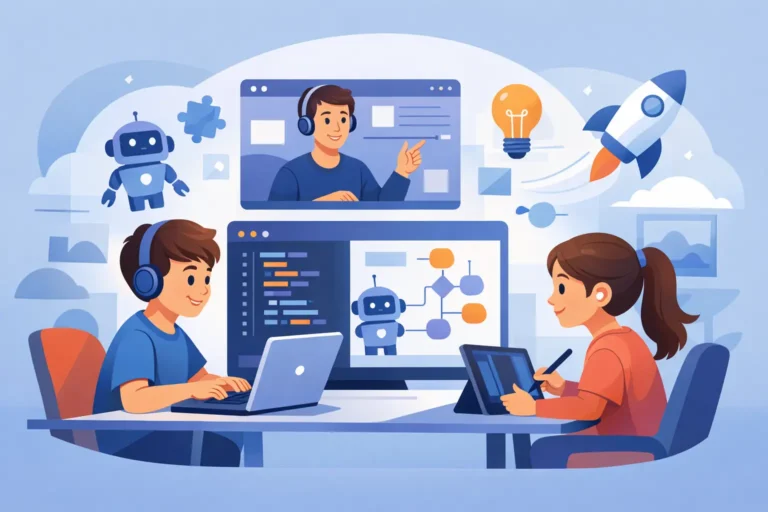
В IT FUTURE безкоштовний пробний урок допоможе визначити правильну точку старту, оцінити поточні навички та показати батькам, як працює індивідуальне онлайн-навчання. Дитина зможе спробувати виконати практичне завдання, а викладач порекомендує персоналізований напрям замість універсального курсу для всіх.
Правильний ІТ-курс має залишити дитині більше ніж просто ще одну проведену годину в інтернеті. Він повинен надихнути її сказати: «Це зробив я!» — і вже замислитися над тим, що вона хоче створити далі.